Display on
For a talk, a dashboard or a recipe.
caffeinate -dFree for every Mac. Open source.
Battistics lives in the menu bar and shows what macOS knows about the battery: charge, health, cycles, temperature and every watt going in or out. When the Mac has to stay up, it keeps it awake, even with the lid closed in a bag.
brew install --cask doguyilmaz/tap/battisticsmacOS 14 or later, Apple Silicon. Try the menu bar above: it works.
On battery · 5:44 remaining
In 0.0 W · Mac 9.8 W · ← Bat −9.8 W
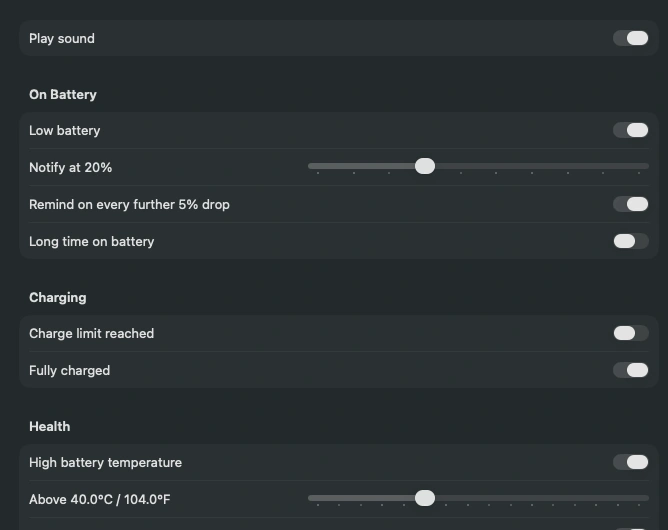
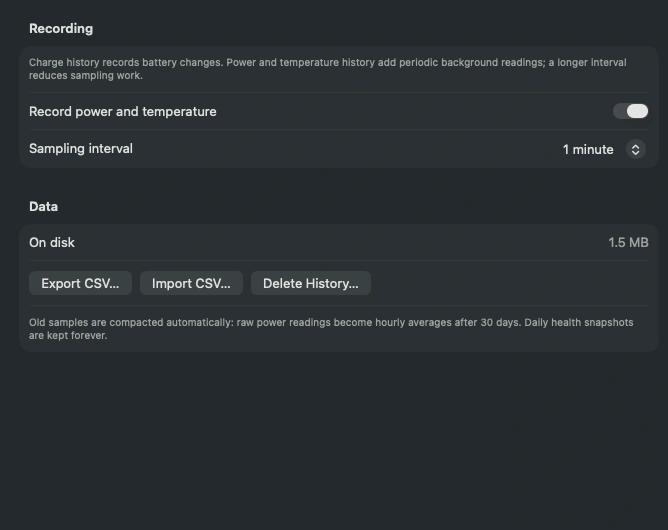
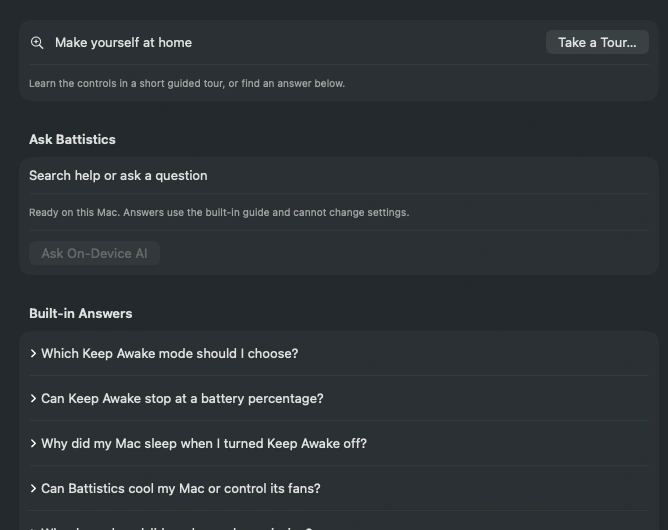
macOS tracks far more about the battery than the menu bar shows. Battistics reads it whenever the power state changes and lays it out in plain words. Click through the window; any pane opens larger.
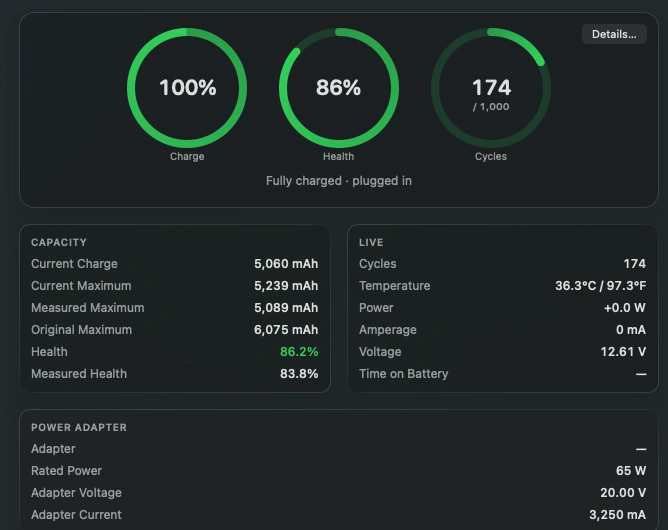
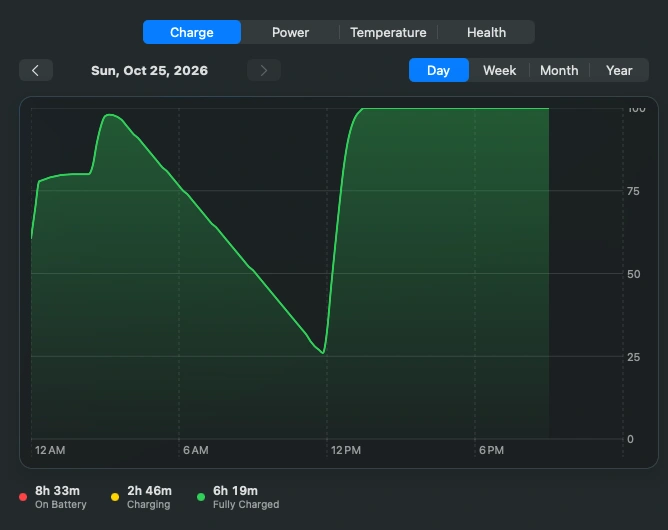
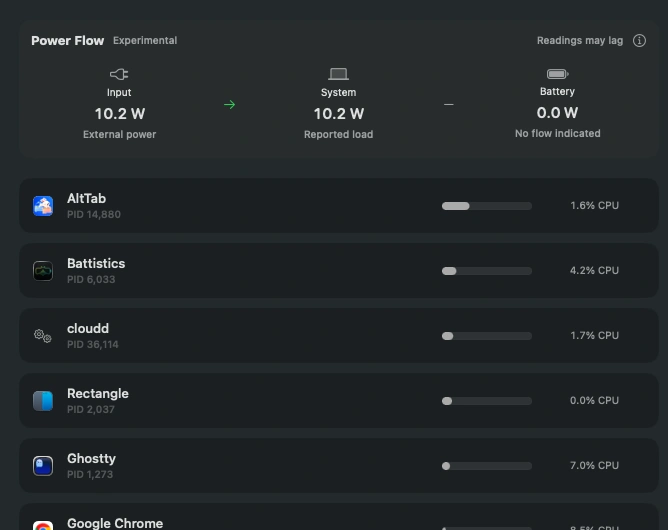
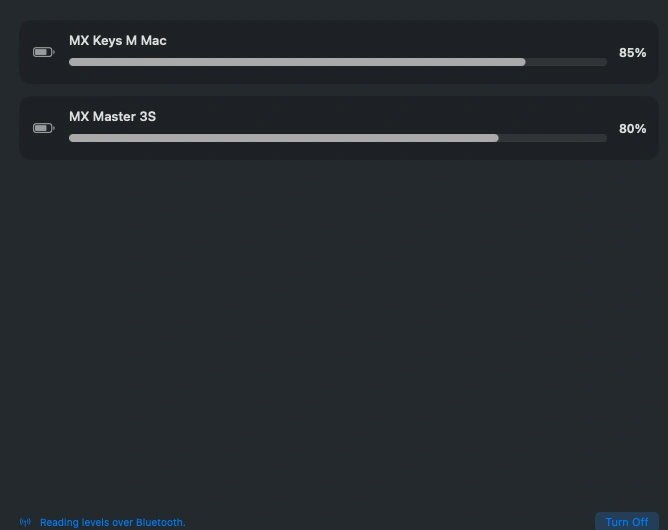
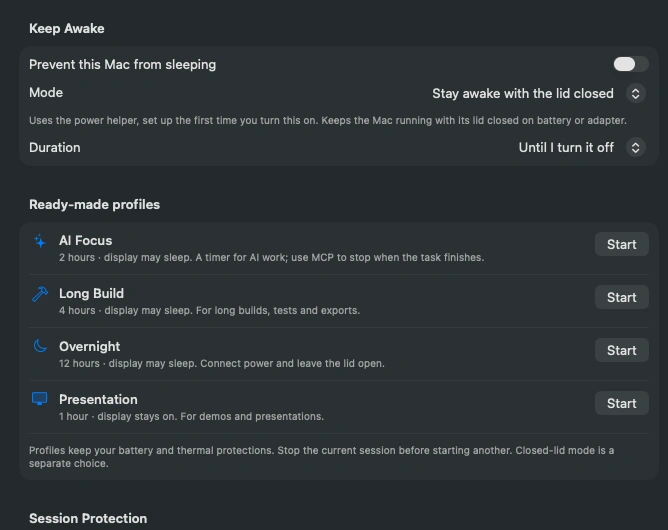
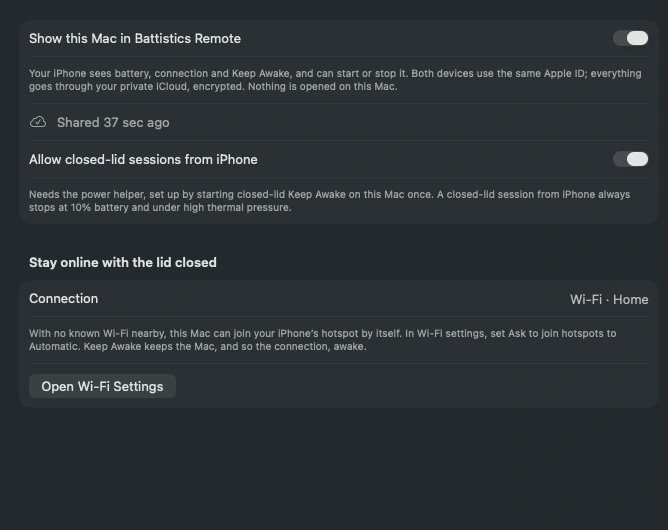
Three modes, 15 minutes to 12 hours or until you stop it, from the menu bar, a profile, the terminal, an AI client or your iPhone. Start one here and watch the menu bar above.
No trial, no subscription, no Pro version. It is free, like the rest of Battistics.
For a talk, a dashboard or a recipe.
caffeinate -dBuilds, downloads and AI tasks keep going.
caffeinate -iShut it, bag it, it keeps running.
caffeinate -i + disablesleepPick a level from 5 to 50%. A warning comes first, then the session ends. Only the session: the Mac itself is never shut down.
Heavy thermal pressure always warns you and can end the session. A closed bag traps heat, so this keeps an eye on it.
When the timer ends, on a stop, or within 45 seconds if Battistics quits. With the lid still shut, the Mac then goes to sleep.
| Display on | Display may sleep | Lid closed | |
|---|---|---|---|
| Display | Stays lit | Sleeps on its timer | Off while shut |
| Closing the lid | Mac sleeps | Mac sleeps | Mac keeps running |
| Screen locks | When you lock it | When the display sleeps | When the lid closes |
| Apple menu › Sleep | Works | Works | Waits for the session |
| Battery use | Highest | Low | Low, watch the heat |
| Setup | None | None | A helper, approved once |
Soon on the App Store
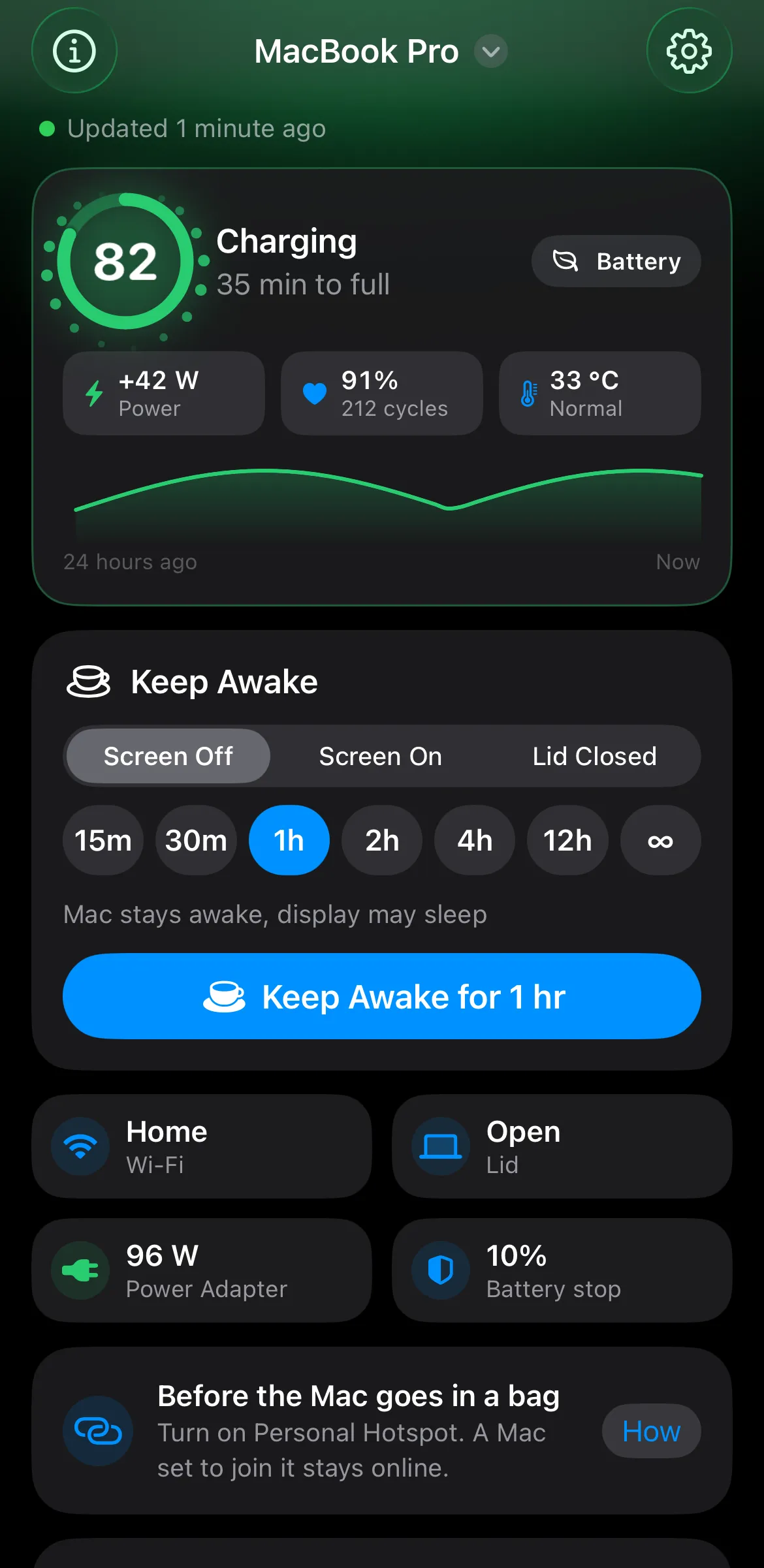
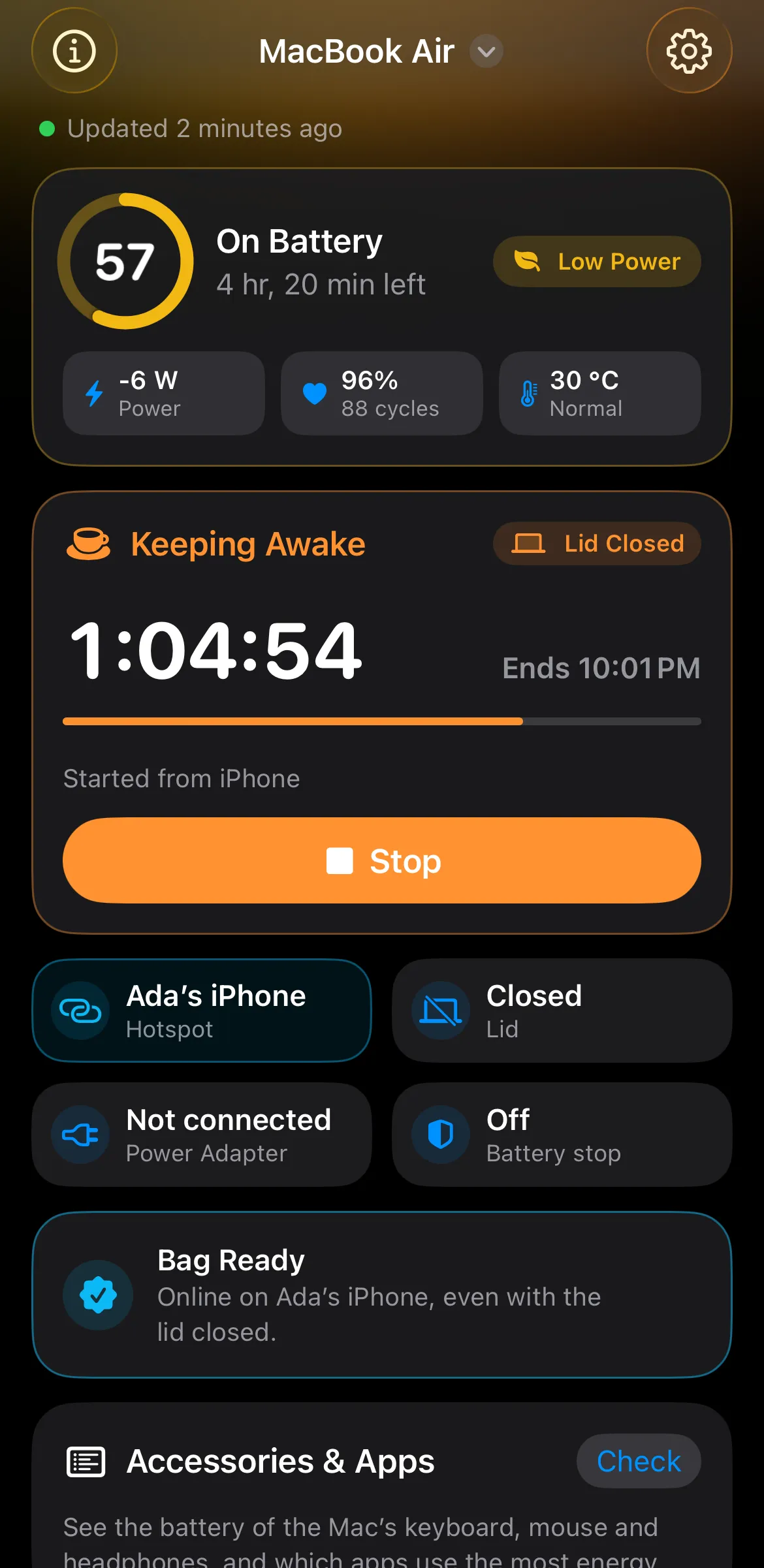
Battistics Remote finds every Mac on your Apple Account through your own iCloud and keeps working when the Mac is in a bag, lid closed, on your Hotspot.
Charge and its last day, time left, power, health and heat, plus the network the Mac is on and whether its lid is shut.
Start any mode for any duration, lid closed included, and stop it again. Switch Low Power Mode or turn the display off.
Set the Mac to join your Hotspot and it stays online with the lid shut. Bag Ready tells you when it is safe to close it.
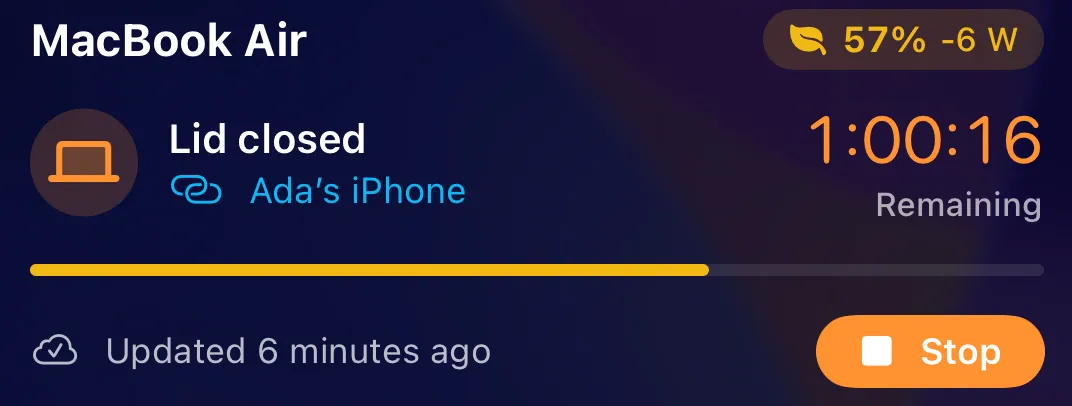
A Live Activity counts down with a Stop button, next to widgets and a Control Center and Action Button control.
Hear about it when a session ends, the battery runs low, the Mac stops answering or it reaches the charge you picked.
Every Mac on your Apple Account shows up by itself. Nothing to pair, no server, no account, and Siri knows the Mac too.
Turn on Local automation in Power. Keep Awake then lasts exactly as long as a command, or from the start to the end of an AI task. It never kills your command, and nothing leaves the Mac: no port, no API key.
# Awake for as long as the build runs
$ battistics run --name Build -- swift build

# Two hours at most, lid closed in a bag
$ battistics run --minutes 120 --mode lidClosed -- ./export.sh{
"mcpServers": {
"battistics": {
"command": "/Applications/Battistics.app/Contents/MacOS/battistics-mcp",
"args": []
}
}
}A battery app sees when you work, when you sleep and where you charge. Battistics keeps all of it to itself, and the source is open so you can check.
There is nothing to sign up for and nothing counting what you do. No tracking and no telemetry.
The only network traffic Battistics starts is the update check. Your battery history stays in a file on your Mac.
Sharing with Battistics Remote is off until you turn it on. Then it goes through your private iCloud database, encrypted, with no port opened on the Mac.
Free and open source under the MIT license.
macOS 14 or later, Apple Silicon. Updates arrive in the app.
brew install --cask doguyilmaz/tap/battistics